Desertcart purchases this item on your behalf and handles shipping, customs, and support to Turkey.
⌨️ Elevate your workspace with sleek, wired precision — never miss a keystroke!
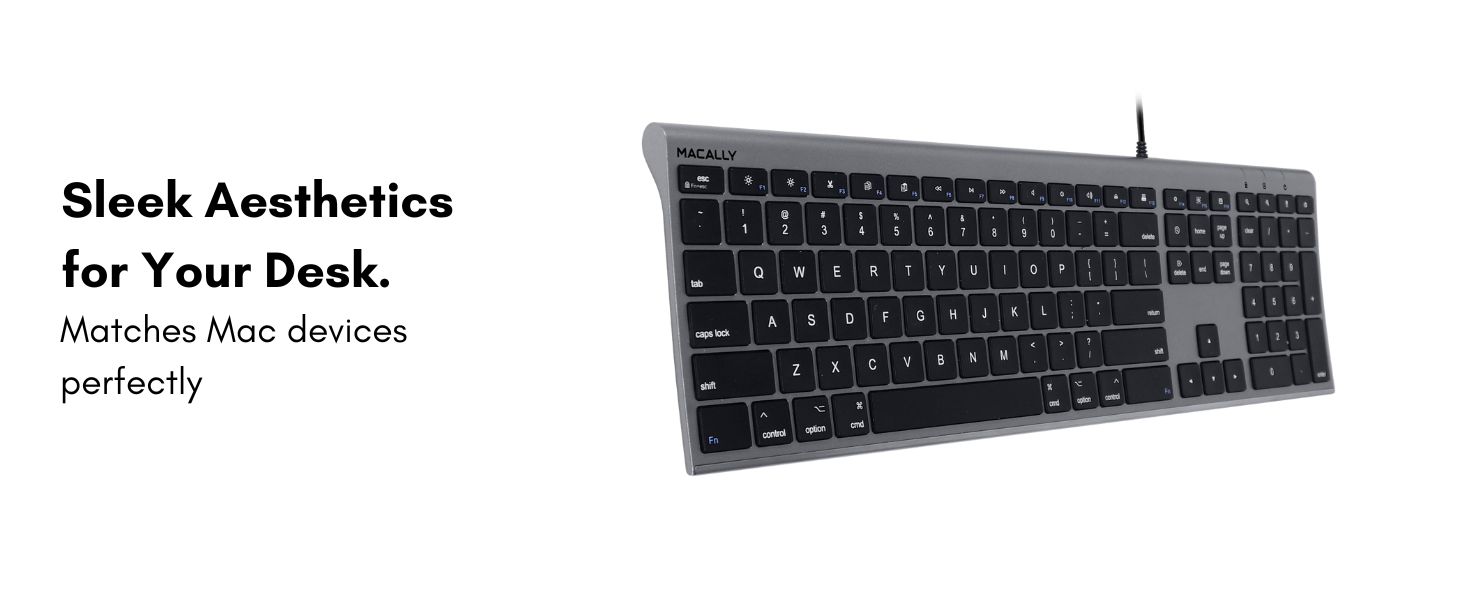
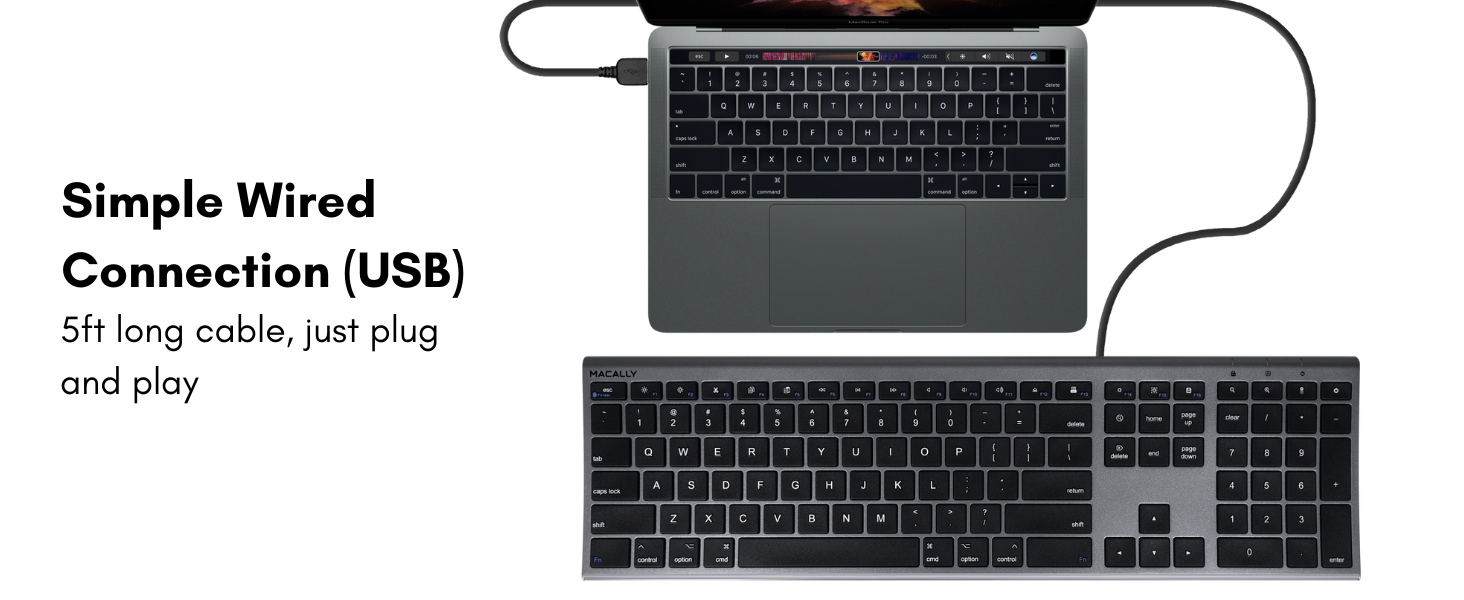
The Macally Ultra-Slim USB Wired Keyboard in Space Gray offers a full 110-key layout with numeric keypad and 20 Apple/Windows shortcut keys. Designed for professionals craving a stylish, low-profile typing experience, it delivers universal USB compatibility across Mac and Windows systems. Its plug-and-play wired connection ensures zero latency and no battery hassles, backed by a 1-year warranty and lifetime support for worry-free productivity.


| ASIN | B07CVLDQLT |
| Additional Features | Compatible Apple Keyboard with Numeric Keypad, Hotkeys and Media Keys, Keyboard for Macbook Pro / Air, Slim keyboard, flat keyboard, low profile keyboard,, Wired Keyboard for Mac, iMac Keyboard |
| Antenna Location | Business, Education, Everyday Use, Personal, Student |
| Best Sellers Rank | #52 in Computer Keyboards |
| Brand | Macally |
| Built-In Media | ACEKEYSG, User Manual |
| Button Quantity | 110 |
| Color | Space Grey |
| Compatible Devices | Compatible with Apple Mac Pro / Mini, Macbook Pro / Air, iMac, Windows Laptop or Desktop PC |
| Compatible Operating System Family | ChromeOS, Linux, MacOS, Windows |
| Connectivity Technology | USB, USB-A |
| Customer Reviews | 4.2 out of 5 stars 3,623 Reviews |
| Enclosure Material | Steel |
| External Testing Certification | Não aplicável |
| Global Trade Identification Number | 00701107497440 |
| Hand Orientation | Ambidextrous |
| Item Dimensions L x W x H | 0.4"L x 17"W x 4.5"H |
| Item Type Name | Mac Keyboard |
| Item Weight | 1.2 pounds |
| Keyboard Description | Wired |
| Keyboard Layout | QWERTY |
| Language | English |
| Manufacturer | Mace Group Inc / Macally Peripherals |
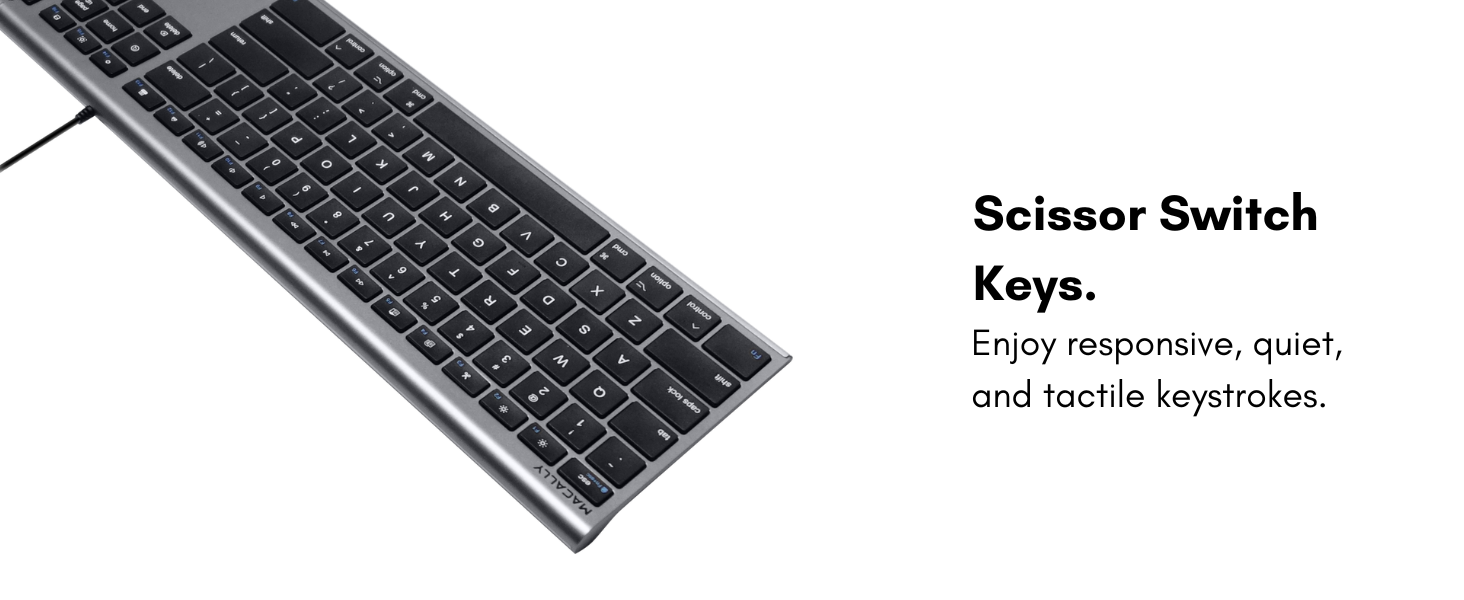
| Mechanical Keyboard Switch Model | Scissor Switches |
| Mfr Part Number | ACEKEYSG |
| Minimum Required Operating System Version | Windows 7 |
| Model Name | Macally UltraSlim USB Wired Keyboard |
| Model Number | ACEKEYSG |
| Number of Items | 1 |
| Number of Keys | 110 |
| Number of Packs | 1 |
| Number of Sections | 3 |
| Recommended Uses For Product | Business, Education, Everyday Use, Personal, Student |
| Special Feature | Compatible Apple Keyboard with Numeric Keypad, Hotkeys and Media Keys, Keyboard for Macbook Pro / Air, Slim keyboard, flat keyboard, low profile keyboard,, Wired Keyboard for Mac, iMac Keyboard Special Feature Compatible Apple Keyboard with Numeric Keypad, Hotkeys and Media Keys, Keyboard for Macbook Pro / Air, Slim keyboard, flat keyboard, low profile keyboard,, Wired Keyboard for Mac, iMac Keyboard See more |
| Style Name | FULL-SIZE (USB)- SPACE GRAY |
| Switch Type | Scissor Switches |
| Theme | Computing |
| UPC | 701107497440 |
| Warranty Description | Worry-Free Warranty: At Macally, we believe in our products. That's why we back all of our product with a one-year warranty, 30 days hassle free return, and provide friendly, easy-to-reach customer support. |
M**T
A very, very good keyboard
If I could give ½ star reviews I would give the Macally Slim keyboard a 4 ½. It worked right out of the box. A small instruction sheet is included as to what to do if the number pad does not work on a Macintosh setup. Fortunately my worked. The ½ star reduction is for several reasons. The tactile feel of the keys is not what I was expecting. I was expecting a smooth finish to the keys, ala Apple, but there is a very slight roughness to them. After using the keyboard for about 2 weeks it is hardly noticeable, unless I think about it. The number pad is missing some keys (e.g. the = sign) at the top. This is because there are function keys across the entire keyboard. Two of the function keys (dimming and brightness) did not work. I wrote tech support and received an answer back quite quick. The first suggestion was to just try the f14 & f/15 keys. That didn’t work. The next suggestion was to hold down the Function key (bottom-left on the keyboard) and try the f/14 & f/15 keys again. That worked. So I would give a “hi-five” for tech support. I am really glad I replaced my Apple Wireless keyboard and separate wireless number pad. It seemed like I was replacing the batteries in them weekly. And I had trouble with the number pad staying connected, especially after a re-start. Or even waking up from Sleep.
L**M
Works perfectly for my Mac computers!!
This is my second purchase of this keyboard. Once for my iMac and another for the Mac Mini. It has worked perfect for both. Excellent compatibility!!
P**Z
It's okay.
This worked well for my Mac Mini. I liked that it looked great, was wired, and there was no latency. My only issue, and why I returned it, was that the keys were a little noisy and had a hard plastic feel. For the money, it's a decent keyboard, but I like the softer feel and quieter keys of my original Apple keyboard (which broke recently). I will invest in a higher-quality keyboard for that better key feel since I use my computer every day. If you don't mind the louder keys or need a backup keyboard, it's worth the price.
K**R
Works great for both laptops and desktops!
I got this keyboard the other day so that I could use it with my laptop (macOS) and my desktop (Windows) and it seems to work flawlessly on both. There are a few accommodations I need to make when using on my Windows machine but just use the keys that are in the correct position no matter what they say on them and you’d never know they were different. Just make certain to use the fn-lock feature when on a pc if you ever use function keys. I like the feel of the keys while typing and it’s much more comfortable than other keyboards I’ve used. It’s very quiet while typing and the only key that remotely makes noise is the space bar. I got it for my laptop mainly because I work a lot with numbers and I really like having the number pad. Which leads me to my only complaint, I wish it didn’t have a “power” button on it or that it was in a different spot. It is right next to the minus button and if I bump it then it immediately shuts my computer down or puts it in sleep mode. I don’t see any way to disable this function and my tower is underneath my desk in a cabinet. It makes it terribly annoying to have to crawl under and turn it back on. It does only send the computer to sleep mode so I don’t lose any work but I haven’t been able to revive the computer without using the power button on the tower. The worst time was when I was adding figures while looking at a printout and just kept going until I heard the monitor beep at the loss of signal. Lol. The reason I still gave it five stars is because it’s not Macally’s fault I hit the wrong key. Considering the price, it’s every bit as good as keyboards costing three times as much.
J**C
Macally Ultra Slim USB wired computer keyboard.
These keyboards are rugged, built with metal, and slim for easy transport. I prefer it over the Apple keyboard due to its feel and durability. Works great with my Mac computers and my Windows Mini computer. I now own 2 of these. The material is Aluminum which makes it worth the price.
T**L
Good but not as Apple
I think my experience was likely due to a defective unit, so I don’t want this review to unfairly affect the product’s rating. I’m a heavy Mac user and have been using Apple keyboards for about 30 years. The typing feel on this keyboard is noticeably different from Apple’s, which just wasn’t a good fit for me personally. The key labels also appear to be stickers rather than printed legends. On my unit, several keys occasionally failed to register, which is why I decided to return it. However, I believe that was a problem with my specific keyboard rather than the product line as a whole. In the end, I went back to an original Apple keyboard simply because I’m so used to Apple’s key feel after decades of daily use. If you’re not as accustomed to Apple keyboards as I am, your experience may be completely different.
J**O
thumbs up!!!!!!
easy to install, works great, priced fairly
P**L
Right side of space bar does not pick up key presses.
The right side of the space bar is finicky. Right from the time I got this keyboard, it has a tendency to malfunction and not pick up spaces off the right thumb. I absolutely hate the keyboard because of this. I didn't read the reviews, and that's on me. You are just wasting your money buying this. Sooner or later, I am going to have to spring for a new one. Maybe I will take this one apart and try to fix it ... but it's brand new. That shouldn't be necessary and probably won't work. Clicking the right side of this spacebar..like full on just tapping the key won't pick up. You have to put some real pressure behind it. My full-size MAC keyboard died. I never had a problem with it. I really hate to give bad reviews. I hate giving reviews period. But this is really garbage...just forcing me to do it because day in and day out it's AGGRAVATING.
M**O
Llegó antes de lo.previsto
Me falta averiguar una tecla, muy buena calidad y compatible para el Mac.
C**L
Es comodo
Es bastante comodo para escribir. Si vienes de un teclado de windows notarás la distribucion de las teclas algo extraña pero luego te acostumbras. El material es bueno apesar de que las teclas son como de plastico, fuera de eso, está bien.
J**N
Function key a pain
The keyboard is decent for modern day use - but the extra key on the bottom left (Function key) is such a pain. You will need to hold this down with the F 1 to 12 keys to access shortcuts in Adobe programmes etc. I have ditched the keyboard and brought another one.
3**D
もっと早く購入すればよかったと
Mac純正キーボードは購入をためらう価格 ずっとWindows用をKarabiner-Elementsでカスタマイズして使ってました しかしとっさのショートカットに戸惑っていました MACALLY から出てることを知り有線タイプのスペースグレーを購入 値段なりかなと思っていたのですが そんなことはなくとても満足してます スペースグレーを選んで正解 ぜんぜん安っぽくないです キー表面や全体の形状に微妙にRが付いています(よく見ないと気が付かないレベルですが) キータッチは良好です 右上のクッキリハッキリのグリーンのインジケータランプ等 あくまでも個人的な感想ですが 価格以上だと思ってます タイトルにもありますが もっと早く購入すれば良かった です!
N**N
よい!
とても良かった
Trustpilot
1 month ago
3 weeks ago