

Desertcart purchases this item on your behalf and handles shipping, customs, and support to Turkey.
🔌 Unlock wireless freedom across devices—because one receiver should do it all!
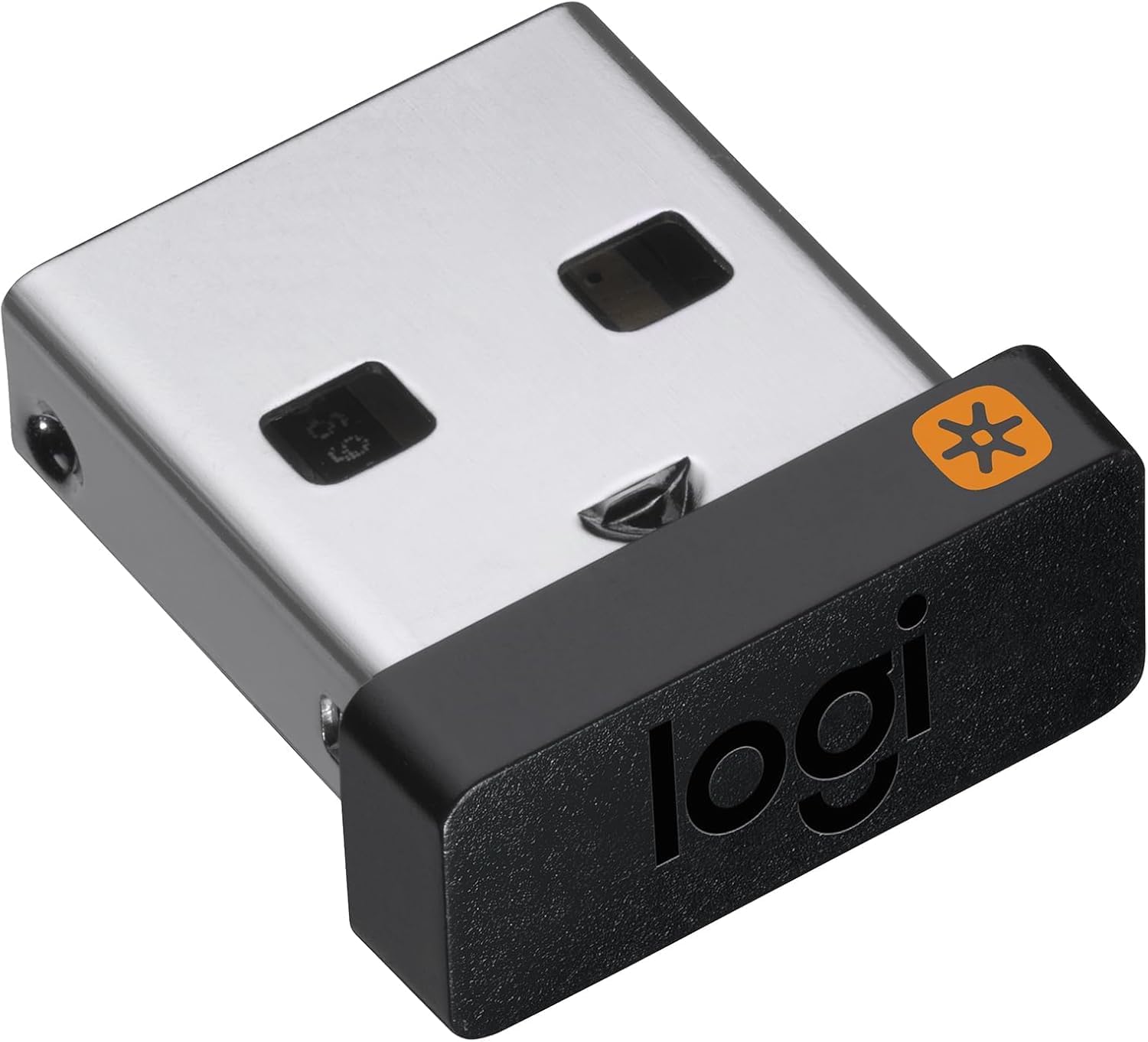
The Logitech USB Unifying Receiver uses advanced 2.4 GHz wireless technology to connect up to six compatible Logitech mice and keyboards to a single computer. Its ultra-compact design plugs into any USB port on PC or Mac, enabling seamless multi-device control with Logitech Flow or Easy-Switch features. Enjoy lag-free connectivity up to 33 feet, making it the perfect add-on for professionals who demand efficient, clutter-free workflows.


| Asin | B072JW9LT8 |
| Best Sellers Rank | #16,236 in Computers (See Top 100 in Computers) #561 in Computer Keyboard & Mice Accessories |
| Brand | Logitech |
| Built In Media | receiver, user guide |
| Color | Black |
| Compatible Devices | Desktop |
| Connector Type | USB |
| Current Rating | 10 Amps |
| Customer Reviews | 4.3 4.3 out of 5 stars (18,223) 4.3 out of 5 stars |
| External Testing Certification | ANATEL: 571303229 |
| Finish | Matte |
| Global Trade Identification Number | 00097855133991 |
| Input Voltage | 12 Volts |
| Item Dimensions | 9 x 6 x 15 millimeters |
| Item Type Name | Logitech USB Unifying Receiver - 910-005235 |
| Item Weight | 0.01 Pounds |
| Manufacturer | Logitech |
| Mfr Part Number | 910-005235 |
| Model Number | 910-005235 |
| Number Of Items | 1 |
| Package Quantity | 1 |
| Power Plug Type | Type A - 2 pin (North American) |
| Specific Uses For Product | Games |
| Unit Count | 1 Count |
| Upc | 097855133991 |
| Warranty Description | 1 - year limited warranty |
User
perfect product
with my wireless logi keyboard. works nicely
User
Dongles are real working
We lost our logitech dongles due to so many guest and visitors coming in the office for meetings. Hence we purchased it as replacement to support our MX logi computer peripherals (keyboard & mouse) So far everything is working fine and it does pair very smoothly!
User
Perfectly works for my Keyboard K 580
Those who are saying that it doesn't work, here is a tip for them.1. Please download 'Logitec Receiver Software"2. Off the keyboard3. During installation you will get instruction to on the keyboard4. Congratulation your logitec device is working :)Cheers
User
didnt work for my Logitech headset
I thought it would work for any logitech product but not the case.in past i was able to pair using combination of mute and volume up but strangely not working anymore.i think mute button is not working.In past i lost the usb bluetooth. now need to have another headset
User
جيدة ومفيدة
المنتج يتحدث عن نفسهشركة عريقة لا تحتاج للتقيم والشرح
User
يعمل مع جميع الاصدارات السابقة
جيد ويعمل مع جميع الاصدارات القديمة والحديثة، يتطلب تثبيت البرنامج الخاص بالمنتج لكي يتم تعريفه، على عكس القطعة الي تيجي مع المنتج بالكرتون تكون معرفة وجاهزة، ولكن هذا يحتاج اعادة تعريف على الكوميوتر
User
Fixed the issue on new m1 pro
Absolutely required if you are running mouse from logitech and using an m1 mac machine. This solves the stuttering issue on master mouse using bluetooth.
User
Waste of time and money
Didn't work for me
User
Works Great.
Works great. Remember this isn't plug and play. You need to go to the Logitech website to pair your device to the dongle. If you have a Mac there are some extra (kinda annoying) security sets you have to do, but it walks you through it. Was able to pair an old MX Performance mouse to a MacBook Pro.
User
Perfect!
Perfect!Works well, easy to install with the app (literally less than 5 minutes)👍🏻👍🏻👍🏻
User
Funcionou
Funcionou perfeitamente mais atenção apenas para dispositivos unifying. Se o seu não é, não irá funcionar.
User
Download software to program, so NOT plug and play.
It is NOT plug and play...You need to download an app from Logitech to program the receiver. I was worried because two of the devices I need to attach these too are NOT type devices, but a DVR for our security cameras. I have 2 DVRs and a computer, each requires a mouse. I wanted to get rid of all 3 wired mice so I bought a Logitech mouse that can done devices using a switch on the mouse. (Model M720, if anyone needs similar.) Unfortunately the mouse took a week longer to arrive than the reciever so I had anxiety er whether this would actually work. The mouse already comes with one receiver and can do Bluetooth (which I did for the computer), and I bought this receiver for the 3rd device. I bought the mouse refurbished because new was retailing at $50+. I received the extra receiver first because shipping was longer for the mouse. This made me nervous because the receiver came with no instructions in the box. The outside has a QR code to use so you can download the necessary software. You MIGHT get a link that says the old advertised software is no longer supported and is obsolete. Ignore this. Download the recommended software that they suggest as the substitute. I just went strait to Logitech's support and typed in unifying receiver. You DO need a computer for this part because once the software is installed you use it to program the receiver and pair it with a device. Once the mouse came in with its included receiver it worked instantly when I plugged it into the 1st DVR. I had to use my old wired mouse to link the new mouse via Bluetooth. This is when I realized I needed to download the software to program this extra receiver... Which is slightly different in design from the receiver that came with the mouse. Both have the same logo, but one has a thinner profile and sticks out less from the USB slot. I plugged this receiver into my computer once the software finished downloading and it was super easy to pair it to the mouse. I then unplugged the receiver from my computer and plugged it into the 2nd DVR and it worked. I now have 1 mouse that controls 3 devices and there is less clutter on my desk.
User
It works well as expected.
It can be paired with any existing compatible device that has the same star symbol by using Logi Options+ software.
Trustpilot
2 weeks ago
3 weeks ago